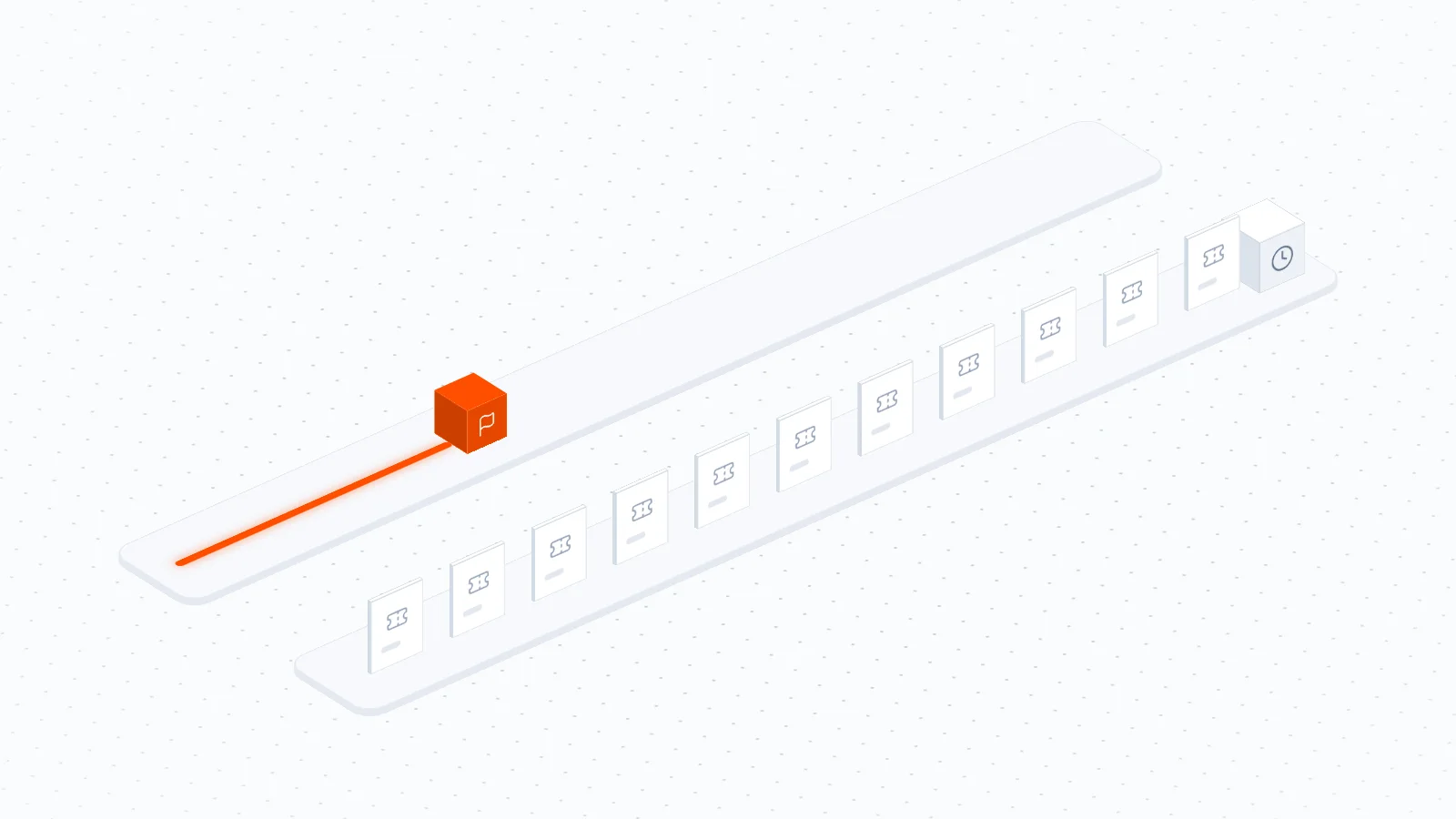
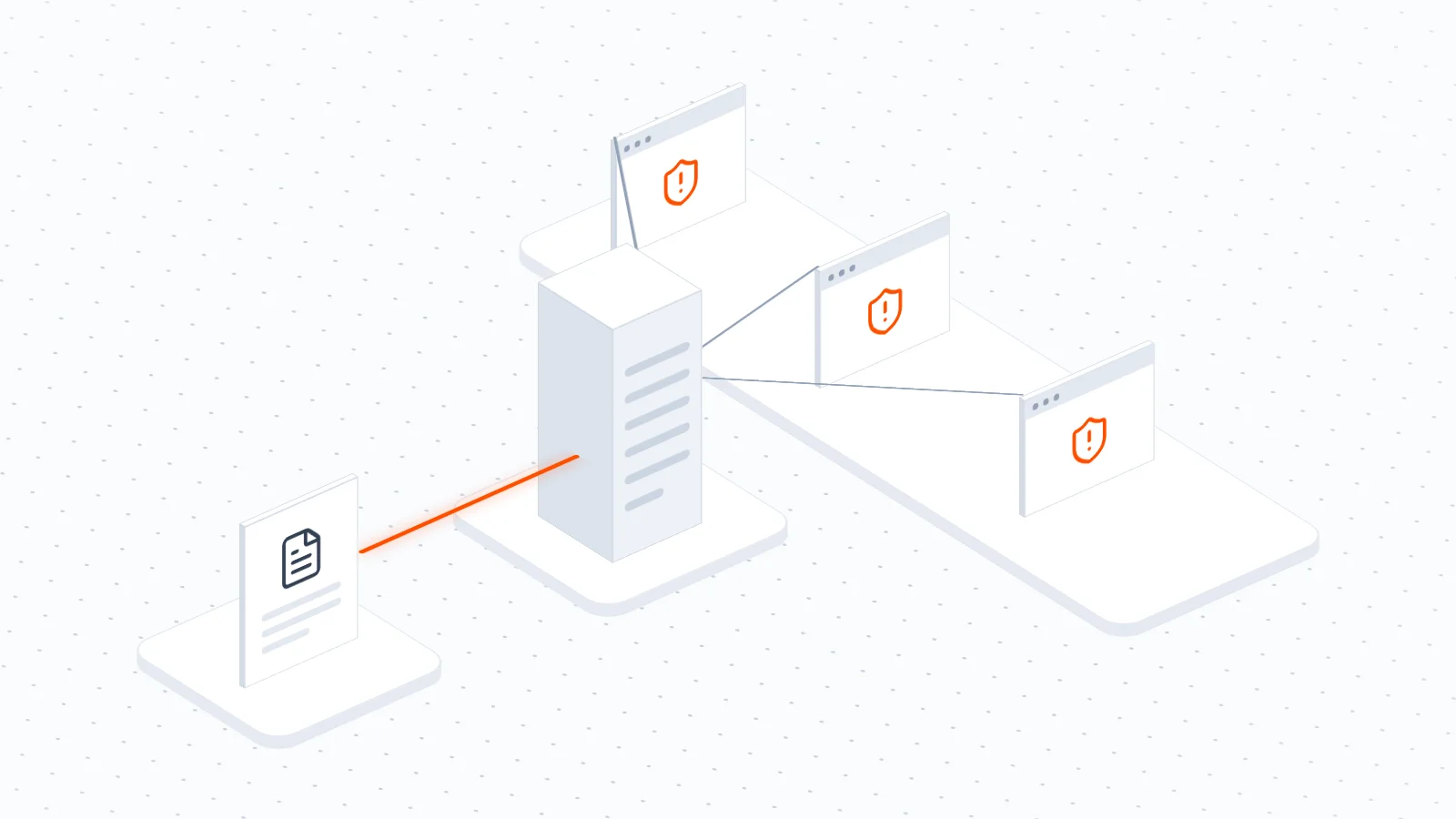
A phishing campaign can go from a newly registered domain to messages in victims' inboxes within an hour, and most phishing domains are used within days of registration and gone soon after. A response that starts with a ticket and waits on abuse desks often takes days, so most of the harm happens before anyone acts. The gap closes only when detection, browser warnings and takedown requests start within minutes.
Key terms · 3
Phishing kit
A ready-made package that recreates a brand's login or checkout page and sends what victims type to the attacker.
Lure
The message that brings victims to the phishing page, sent by SMS, email, ads or social media.
Exposure window
The time between a phishing site going live and the moment people are protected from it.
Often only hours to a few days, because attackers move on and some sites get caught. One 2025 analysis found 89% of phishing domains it tracked were active for less than two days. Those that aren't reported can last weeks.
How quickly can an attacker clone a website?
Phishing kits and AI site builders can copy a login page in minutes. Registering a domain and getting a certificate also takes minutes, so the setup is no longer the slow part.
Why do some attackers register domains well before an attack?
Brand-new domains are treated as suspicious by many security filters. Some attackers register domains and leave them dormant so they look older and cleaner on the day they're used.
What's the fastest way to protect customers once a site is live?
Report it to Google Safe Browsing and Microsoft SmartScreen with evidence. Once accepted, browsers warn visitors before the page opens, usually long before the site is removed.
Spent seven years in cybersecurity helping build Lumu Technologies before founding Sentrike, where he builds AI agents that find and take down phishing sites and brand impersonators.
Which layer stops a phishing site for whom, how fast and for how long: browser blocklists, protective DNS, sinkholes, host and registrar takedowns compared.
What happens between reporting a phishing site and Chrome, Safari or Firefox showing a red warning, which browsers use which list, and what speeds it up.
A new report argues the industry has been measuring the wrong thing — that counting takedowns misses the point, because attackers run campaigns, not one-off fakes. It's right. Here's the part it leaves out.
Nov 2, 2026 · 4 min read
Phishing used to take effort: buy a domain, set up a server, build a convincing copy of a login page. Today every step is a service. Domains register in seconds, certificates are free and automatic, phishing kits recreate a brand's login page, and SMS and email sending is a commodity. A complete campaign can go from nothing to messages in victims' pockets within an hour.
Here's what that hour looks like, minute by minute, next to what usually happens on the defending side.
Requests a free HTTPS certificate; it appears in public certificate logs
Nobody is watching the logs
Minute 5
Deploys a phishing kit copying Acme's login page
—
Minute 15
Sends the first SMS: "Your Acme account is locked, verify here"
—
Minute 30
First victims enter passwords and one-time codes
—
Minute 60
Hundreds of messages sent; credentials being used
A customer emails support about a strange text
Day 1
Same kit live on a second domain
Support opens a ticket for security
Days 2–3
Campaign winding down
Analyst looks up the domain, files abuse reports
Days 3–20
Domains abandoned or re-used
Waiting on registrar and host replies
Each attacker step above is realistic, though no single case follows it exactly. The defender column reflects how manual response typically works: someone has to notice, open a ticket, research the domain and write to providers, then wait.
Minute 0: the domain (sometimes registered earlier)#
Many phishing domains are used almost immediately. Spamhaus found that criminals often deploy phishing sites as soon as a domain is registered, and that 89% of the phishing domains it analyzed were active for less than two days (Spamhaus, 2025). An earlier industry study found 65% of maliciously registered domains were used for phishing within five days of registration (Interisle, via CircleID).
Others are registered well in advance and left dormant, so they look older and less suspicious on the day of the attack. Those leave signs too: see from parked domain to phishing site.
A free certificate makes the site show a padlock, and every publicly trusted certificate is published in Certificate Transparency logs, often before the site goes live. The page itself comes from a phishing kit or a quick copy of the real site, hosted on a cheap server or a free platform subdomain.
The site is useless until people visit it. The lure (an SMS about a locked account, an email about a failed payment, an ad, a social media reply) goes out in bulk. Many kits also hide their real page from security scanners, showing it only to phones or to visitors from certain countries, which delays automated detection.
This is where the damage happens. Google said about 60% of the phishing domains it sees exist for less than ten minutes, part of why it moved Chrome to real-time checks in 2024 (The Hacker News, 2024). Even when a site lives longer, most victims arrive in the first hours after the lure is sent.
A ticket-based response starts when someone notices, often a customer. Then each step waits on the last: research, reports, replies. Industry and academic data show how long that can take:
Left to find sites on its own, Google Safe Browsing flagged 18.4% of the phishing sites one 2025 study tracked, taking 4.5 days on average for the ones it caught (WWW 2025).
Cloudflare reported a median of 3.4 days to act on phishing hosted on its network in the first half of 2024 (Cloudflare).
Brand-impersonating phishing domains stayed registered 19.9 days on average after detection (arXiv, 2025).
By the time a manual takedown completes, the campaign has usually moved on.
Watch new domains and certificates, not just customer reports
↓→
02
Warn in minutes
Report to Safe Browsing and SmartScreen with evidence
↓→
03
Remove in parallel
Host, registrar and CDN reports at the same time
↓→
04
Catch the next copy
Watch for the same kit on new domains
None of these steps is new. What matters is that they start within minutes of the site appearing, not days later after a ticket works its way through a queue. That's the difference between protecting the first victims and documenting them.
Sentrike Brand Protection watches new domains, certificates and web pages around the clock, so a phishing site is usually found when it appears, not when a customer complains. Sentrike Takedown reports it to Google Safe Browsing within minutes, so Chrome, Safari and Firefox warn visitors, and sends the evidence to the host and registrar at the same time. See Brand Protection and Takedown.