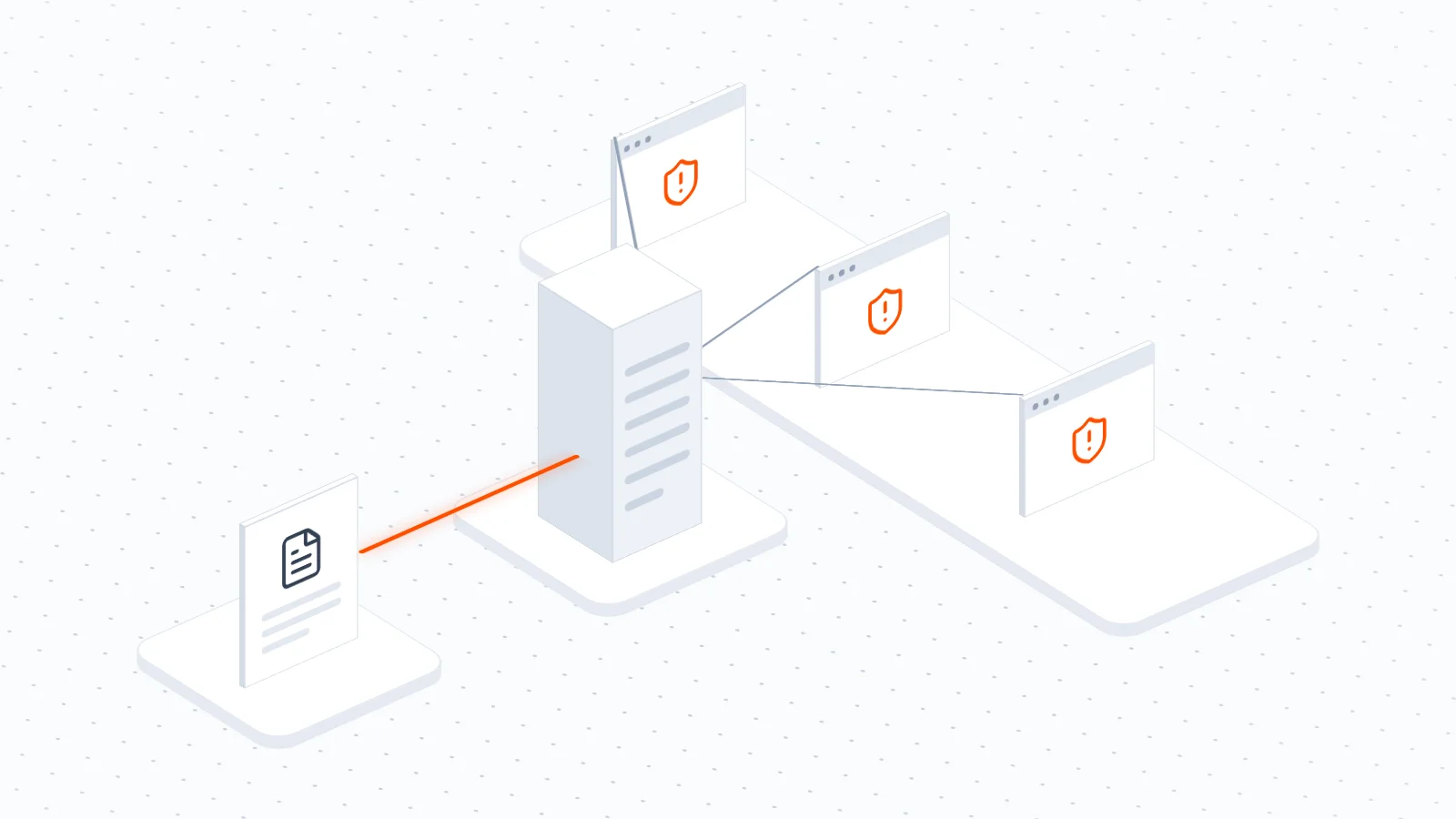
Browsers don't judge websites on their own. Chrome, Safari and Firefox check each address against Google Safe Browsing, and Microsoft Edge checks Microsoft Defender SmartScreen. A phishing site gets a red warning once a report with enough evidence is accepted into that list, often days before the host or registrar takes the site down.
Key terms · 4
Google Safe Browsing
Google's list of unsafe web addresses, used by Chrome, Safari, Firefox and several other browsers.
SmartScreen
Microsoft Defender SmartScreen, the equivalent list and reputation service used by Microsoft Edge.
Interstitial warning
The full-page red screen a browser shows instead of a page that is on one of these lists.
Hash prefix
The first few bytes of a scrambled web address. Browsers check these instead of sending the full address, to protect privacy.
No. Chrome, Safari and Firefox do, as do several other browsers built on Chrome's engine. Microsoft Edge uses Microsoft Defender SmartScreen, and Opera uses its own fraud protection fed by third-party lists such as PhishTank.
How do I report a phishing site to Google?
Use Google Safe Browsing's report form at safebrowsing.google.com/safebrowsing/report_phish/ and paste the full address of the phishing page. To report it to Microsoft Edge users' list as well, use Microsoft's "Report an unsafe site" form or the Report unsafe site option in Edge's Help and feedback menu.
Does a browser warning take the phishing site down?
No. The site stays online; browsers that check the list just show a warning before opening it. You still need the hosting provider or registrar to remove it, which usually takes much longer.
What if my own site gets a phishing warning by mistake?
Fix anything that was compromised, then request a review from the Security issues report in Google Search Console. Google also has a form to report pages that were listed by mistake.
Spent seven years in cybersecurity helping build Lumu Technologies before founding Sentrike, where he builds AI agents that find and take down phishing sites and brand impersonators.
How a phishing campaign goes from a new domain to victims' inboxes in about an hour, why most of the damage is done within days, and how that compares with a ticket-based response.
Which layer stops a phishing site for whom, how fast and for how long: browser blocklists, protective DNS, sinkholes, host and registrar takedowns compared.
A new report argues the industry has been measuring the wrong thing — that counting takedowns misses the point, because attackers run campaigns, not one-off fakes. It's right. Here's the part it leaves out.
Nov 2, 2026 · 4 min read
When you find a website copying your login page, removing it is slow. A 2025 study of phishing domains found that domains impersonating a brand stayed registered for 19.9 days on average after they were detected (Registration, Detection, and Deregistration, 2025). The fastest way to protect people in the meantime isn't removal at all. It's the red warning screen your customers' browser shows before the page opens.
This article explains where that warning comes from, how a report becomes a warning, how long it takes, and what makes the difference between a report that gets acted on and one that doesn't.
Browsers don't decide on their own which sites are dangerous. Each one checks addresses against a list run by a security provider.
Browser
List it checks
How it checks
Google Chrome
Google Safe Browsing
Standard protection checks addresses in real time, sending only scrambled fragments through a privacy relay (since March 2024). Enhanced protection adds more signals.
Apple Safari
Google Safe Browsing (Tencent's list on devices set to mainland China)
Checks scrambled address fragments. The setting is called Fraudulent Website Warning.
Mozilla Firefox
Google Safe Browsing
Keeps a local copy of scrambled lists and updates it regularly. The setting is called Block dangerous and deceptive content.
Microsoft Edge
Microsoft Defender SmartScreen
Microsoft's own reputation service.
Opera
Opera's fraud protection
Uses third-party lists such as PhishTank, not Google Safe Browsing.
So one accepted report to Google Safe Browsing covers Chrome, Safari and Firefox at once. Edge needs a separate report to Microsoft, and Opera depends on the lists it pulls from.
The provider checks the page is live and malicious
↓→
03
Listed
The address is added to the list
↓→
04
Browsers check
Real-time lookups, or the next list update
↓→
05
Warning shown
Red screen before the page opens
Report. Anyone can report a page through Google Safe Browsing's report form or Microsoft's unsafe site form. Security vendors and large organizations can also submit through programmatic channels, which carry the same evidence in a structured form.
Review. The provider visits the page and decides whether it is phishing. Neither Google nor Microsoft publishes how long review takes or exactly what it checks.
Listed. If the page is confirmed, its address goes on the list.
Browsers check. Chrome now checks in real time, so a newly listed address is caught on the next visit. Before March 2024, Chrome's standard mode relied on a local list updated every 30 to 60 minutes; Google moved to real-time checks partly because so many phishing sites live for less than that (The Hacker News, March 2024). Browsers that still rely on periodic updates catch it on their next update.
Warning shown. Visitors see the red interstitial. They can still click through, but most don't.
The slow part is step 2. Once an address is listed, protection is almost immediate in Chrome. Getting listed is what takes time, and it depends mostly on what the provider sees when it checks the page.
Without anyone reporting them, phishing sites are often caught late or not at all. A study presented at The Web Conference 2025 found that Google Safe Browsing flagged 18.4% of the phishing sites it tracked on its own, and took 4.5 days on average for the ones it did catch (WWW 2025). A good report is what closes that gap.
Reviewers act on what they can confirm quickly. The reports that become warnings fastest have five things in common:
The full address of the phishing page, not just the domain. Phishing pages often sit several folders deep, and the domain's home page may look harmless.
A page that is live when the reviewer looks. Many phishing kits hide from scanners by showing a harmless page to some visitors, for example by country or device. If the page only appears for mobile visitors or one country, say so.
A form that collects something: a password, a card number, a one-time code. That is the clearest sign of phishing.
What it imitates, with the address of your real page, so the copy is obvious side by side.
A screenshot with the date and time, in case the page changes before review.
A warning protects people using a browser that checks the list, with protection switched on. It doesn't protect everyone:
The site is still online and still collecting data from anyone whose browser or app doesn't check that list, including some in-app browsers in messaging and email apps.
Edge users need the site on SmartScreen too, and Opera users depend on Opera's sources.
Attackers can move the same kit to a new address, and the warning doesn't follow.
That's why a browser warning is the first step, not the last. The site still has to be removed by its hosting provider and its domain suspended by its registrar. Since April 2024, registrars and registries for generic top-level domains are required by their ICANN contracts to act promptly when they receive actionable evidence of phishing (ICANN, 2024 amendments). Our abuse report template shows what that evidence looks like.
Legitimate sites do get flagged, usually because they were hacked and used to host a phishing page without the owner knowing. Remove the malicious content, then request a review from the Security issues report in Google Search Console. Google also has a form for pages listed by mistake.
When Sentrike confirms a phishing site, its agents capture the evidence and report the page to Google Safe Browsing within minutes, so Chrome, Safari and Firefox users are warned while the takedown is in progress. The same evidence goes to the hosting provider and registrar, and the agents follow up until the site is offline. See Takedown.