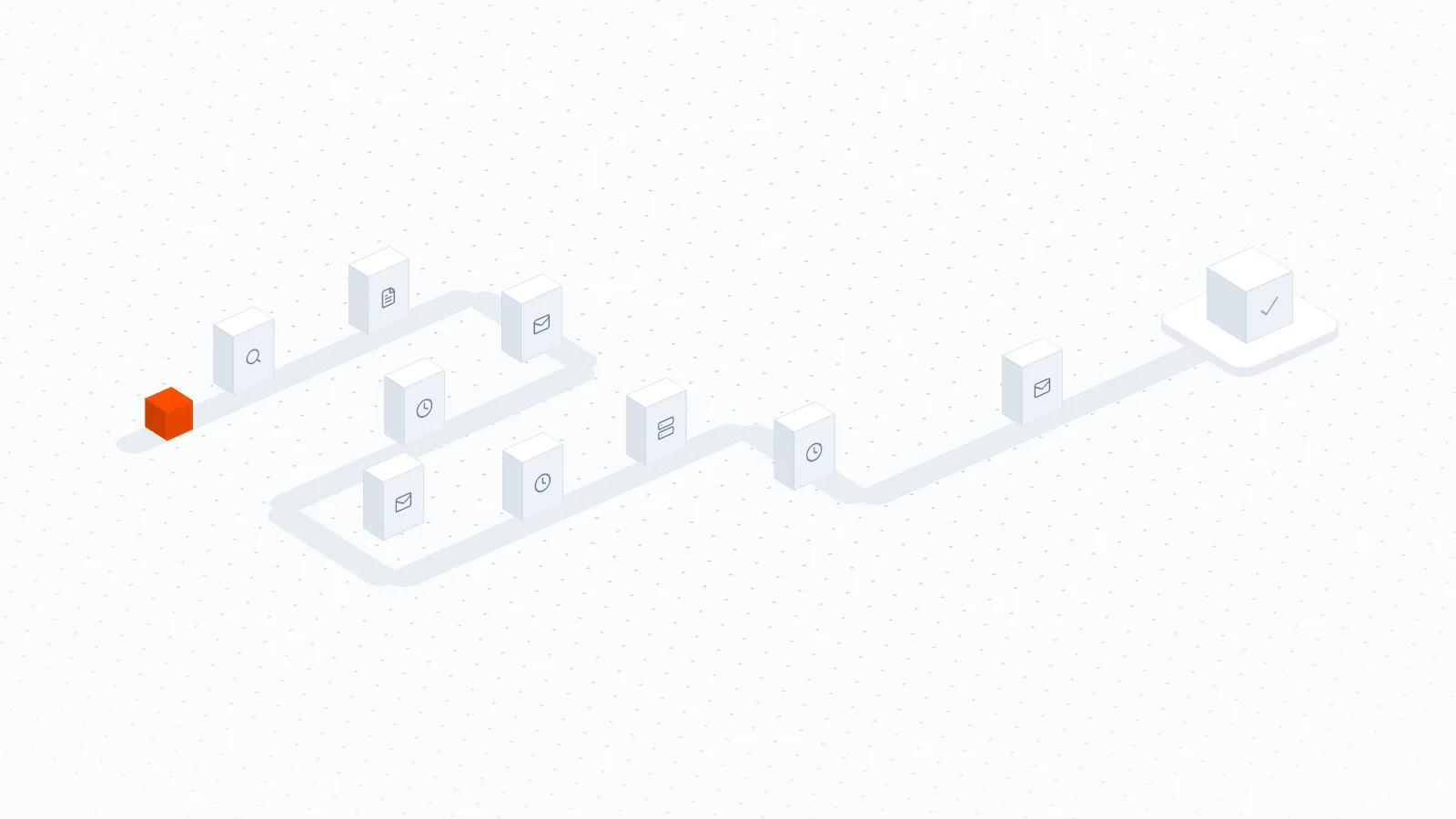
Taking down a phishing site by hand takes about 14 steps in four phases: confirm it, find who controls it, report it, and follow up until it's offline. The report itself is quick. Most of the time goes into finding the right contacts behind proxies and privacy services, and into following up with providers that don't answer.
Key terms · 4
Takedown
Getting a phishing site removed by the company that hosts it, or its domain suspended by the registrar.
Evidence pack
The screenshots, page source, timestamps and records that prove a page is phishing, sent with every report.
Cloaking
When a phishing page shows its real content only to some visitors (for example by country or device) and a harmless page to everyone else, including scanners.
Origin host
The server that actually stores a site hidden behind a proxy or CDN such as Cloudflare.
It ranges from hours to weeks. A 2025 study found phishing domains were deregistered 11.5 days after detection on average, and brand-impersonating domains lasted about 20 days. A good evidence pack sent to every responsible party at once is what shortens it.
Do I need to know who registered the domain?
No. The owner's details are hidden for most domains. You report to the registrar and the hosting provider, whose abuse contacts are public.
Should I contact the registrar or the host first?
Both at the same time, plus the browser blocklists. Sending one report and waiting for an answer before the next is the most common reason takedowns drag on.
What if the site comes back on a new domain?
It often does, because attackers reuse the same phishing kit. Keep the evidence, watch for the same page on new domains, and report each new copy with a reference to the earlier case.
Spent seven years in cybersecurity helping build Lumu Technologies before founding Sentrike, where he builds AI agents that find and take down phishing sites and brand impersonators.
Nine questions that show whether a brand protection vendor removes threats or just reports them: takedown speed, quotas, manual queues and proof on your own brand.
An adversary weaponizing generative AI can spin up a pixel-perfect clone of your brand in under 30 seconds. How does the average enterprise respond? By opening tickets.
Why brand protection outside the firewall is a growing gap in MSSP services: what the market data shows, why clients can't do it in-house, and where MSSPs fit.
Nov 20, 2026 · 3 min read
Ask a security team how a phishing takedown works and you'll hear "we file a report". In practice it's a chain of about fourteen steps across four or five different companies, and the report is the shortest part. This article walks through every step as an analyst does it by hand, where the hours go, and which steps can be automated.
Before reporting anything, make sure it's real and capture it, because phishing pages change or disappear fast. Open it in an isolated browser, never on a work laptop. Confirm three things: it imitates your brand, it collects something (a password, a card, a one-time code), and it's live now.
Then capture the evidence: full-page screenshots with the date and time in UTC, the page source, and the message that led to it. Check whether it cloaks. Many phishing kits show their real page only to phones, to visitors from one country, or to anyone who isn't a known scanner. If you don't capture the version victims see, the reviewer at the host may see a harmless page and close your report.
A phishing site usually involves at least three companies: the registrar that sold the domain, the host that stores the page, and often a CDN or proxy in front of it.
Registrar: the domain's RDAP record (which replaced WHOIS for generic domains in January 2025) shows the registrar and its abuse contact, even when the owner's details are hidden.
Host: resolve the domain to its IP address and look up who owns that IP in the regional internet registry. The abuse contact is listed there.
CDN or proxy: if the IP belongs to Cloudflare or a similar service, that company is not the host. It forwards reports to the host, so report to the CDN and, if you can find it, to the origin host directly.
This is where manual takedowns slow down. Each lookup is quick, but proxies, privacy services and resellers mean the first contact you find is often not the one that can act.
Browser blocklists first, because they protect people fastest. A report accepted by Google Safe Browsing puts a warning in Chrome, Safari and Firefox, often days before removal. See how browser phishing warnings work.
Registrar, host and CDN in parallel, each with the same evidence and the request that fits it: suspend the domain, remove the content, forward to the origin. Our abuse report template has a version for each.
The lure channel, so the messages stop: the email provider, the SMS sender, the ad network or the social platform that delivered the link.
Phase 4: Follow up until it's offline (steps 12–14)#
This is where most of the hours go. Some providers act within hours. Others send an automated acknowledgement and nothing else. Cloudflare, for example, reported a median of 3.4 days to act on phishing hosted on its network in the first half of 2024 (Cloudflare), and a 2025 study found phishing domains were deregistered 11.5 days after detection on average, with brand-impersonating domains lasting 19.9 days (arXiv, 2025).
Follow up in the same thread with a fresh screenshot when a page is still live. If a registrar of a generic domain ignores well-evidenced phishing, escalate to the registry, then to ICANN Contractual Compliance. When the site is down, check it's down everywhere (all URLs, all countries), keep the evidence, and watch for the same page on a new domain, because attackers reuse their kits.
What can be automated, and what still needs a person#
Almost every step above is repetitive: lookups, screenshots, forms, ticket tracking and follow-ups. Those are the parts software does faster and without forgetting. What still benefits from a person is judgment on unusual cases (a compromised legitimate site rather than a fake one), escalations that need a relationship or a legal letter, and deciding when a domain is worth a UDRP complaint (see UDRP vs. DMCA vs. abuse reports).
Sentrike's AI agents run a takedown end to end: they confirm the site is malicious, build the evidence pack (screenshots, WHOIS, DNS and SSL records, page source), report it to Google Safe Browsing so browsers warn visitors within minutes, send abuse reports to the host and registrar, and follow up until the site is offline and removal is verified. Your team can follow every case without doing the work. See Takedown.