Guides & Checklists

Playbook · PDF, 14 pages

The Phishing Takedown Playbook

In short

Report a confirmed phishing site to Google Safe Browsing and to its registrar, host and CDN on the same day, with the full URL, timestamped screenshots and what the page collects. Browser warnings protect most visitors within minutes to hours; removal takes hours to weeks, so follow up until the site is offline everywhere.

Download the PDFFree, no form to fill in

What’s inside

  1. 01Why speed decidesTwo clocks to track: time to browser warning and time to removal.
  2. 02The 14 stepsEvery step of a takedown in four phases, and which can be automated.
  3. 03Confirm and captureWhat to check, the evidence to keep, and how to beat cloaking.
  4. 04Find who controls itRegistrar, host, CDN or platform: who can do what, and how to find them.
  5. 05Warn browsers firstWhich browser checks which list, and what gets a report accepted.
  6. 06Report templatesCopy-ready reports for registrars and hosting providers.
  7. 07Hard-to-reach hostsCloudflare, Vercel, Netlify, GitHub Pages and Firebase.
  8. 08Follow up and escalateRegistries, ICANN, shared feeds and national CERTs.
  9. 09Choose the routeAbuse reports, DMCA, URS and UDRP compared.
  10. 10Measure itMedian and 90th-percentile times, and what doesn’t count.

Key findings

~60%

of the phishing domains Google sees exist for less than ten minutes

The Hacker News, 2024

18.4%

of phishing sites flagged by Google Safe Browsing on its own, after 4.5 days on average

The Web Conference 2025

19.9 days

average time brand-impersonating domains stayed registered after detection

arXiv, 2025

Who it’s for

  • SOC and security teams handling phishing sites that copy their brand
  • Fraud teams who need customers protected while takedowns are pending
  • Agencies and MSSPs running takedowns for their clients

Frequently asked questions

Is the playbook free?
Yes. It’s a free PDF with no form to fill in, available in English, Spanish and Portuguese.
How long does it take to take down a phishing site?
Browser warnings can appear within minutes to hours of a good report. Removal by the host or registrar takes hours to weeks: one 2025 study found brand-impersonating domains stayed registered 19.9 days on average after detection.
Who should I report a phishing site to?
Google Safe Browsing and Microsoft SmartScreen for browser warnings, and the domain’s registrar, the hosting provider and any CDN in front of it for removal, all on the same day.
Alert fatigue vs. autonomous takedowns

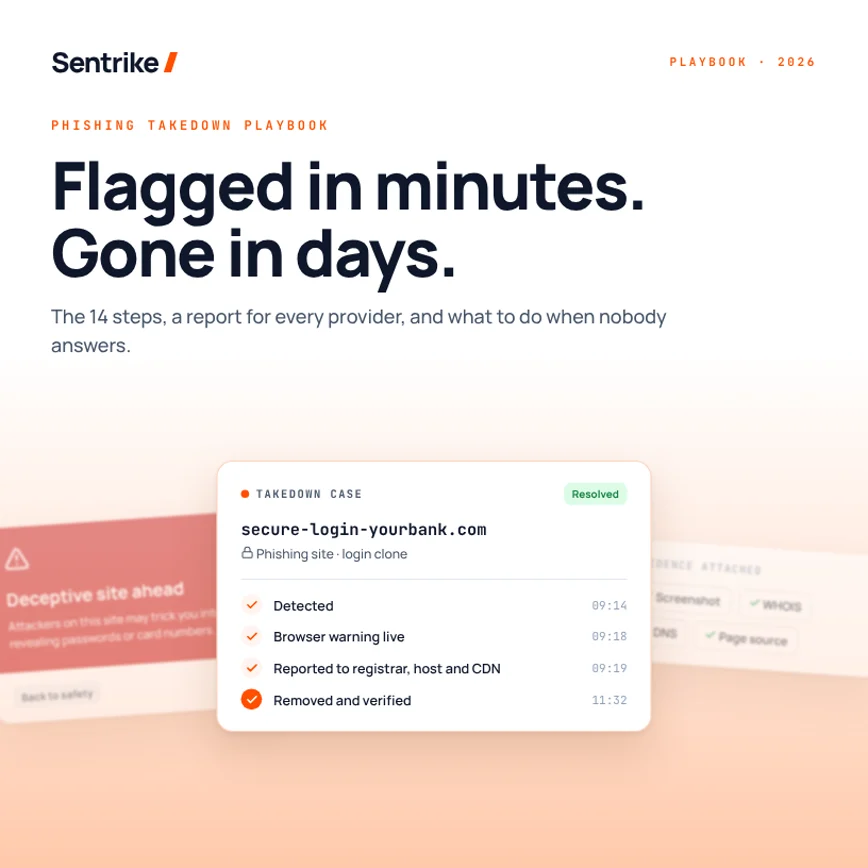
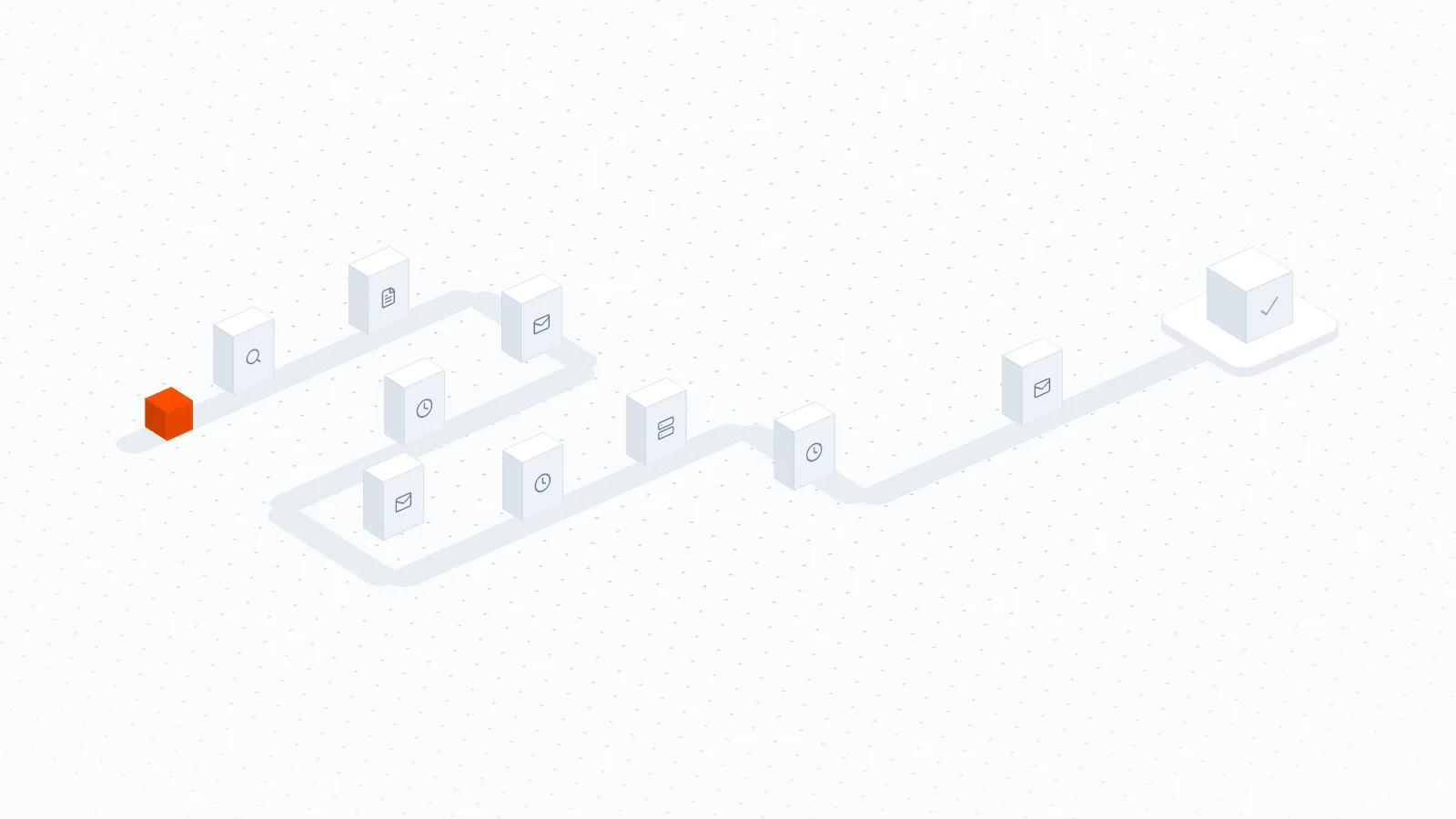
The Phishing Takedown Process, Step by Step

Every step of taking down a phishing site by hand, from the first lookup to the last follow-up, where the time goes, and which steps can be automated.

Nov 9, 2026 · 5 min read

Taking down sites behind Cloudflare, Vercel and WHOIS privacy

Phishing Abuse Report Template: What Hosts Need

A copyable abuse report for registrars, hosts and CDNs, with the evidence that gets phishing sites suspended instead of auto-closed.

Nov 5, 2026 · 4 min read

Taking down sites behind Cloudflare, Vercel and WHOIS privacy

How to Take Down Phishing Sites on Cloudflare and Vercel

Who to report to, what to send and what to do next when a phishing site hides behind Cloudflare or runs on Vercel, Netlify and other serverless hosts.

Nov 11, 2026 · 4 min read