
Guides & Checklists

Field guide · PDF, 14 pages

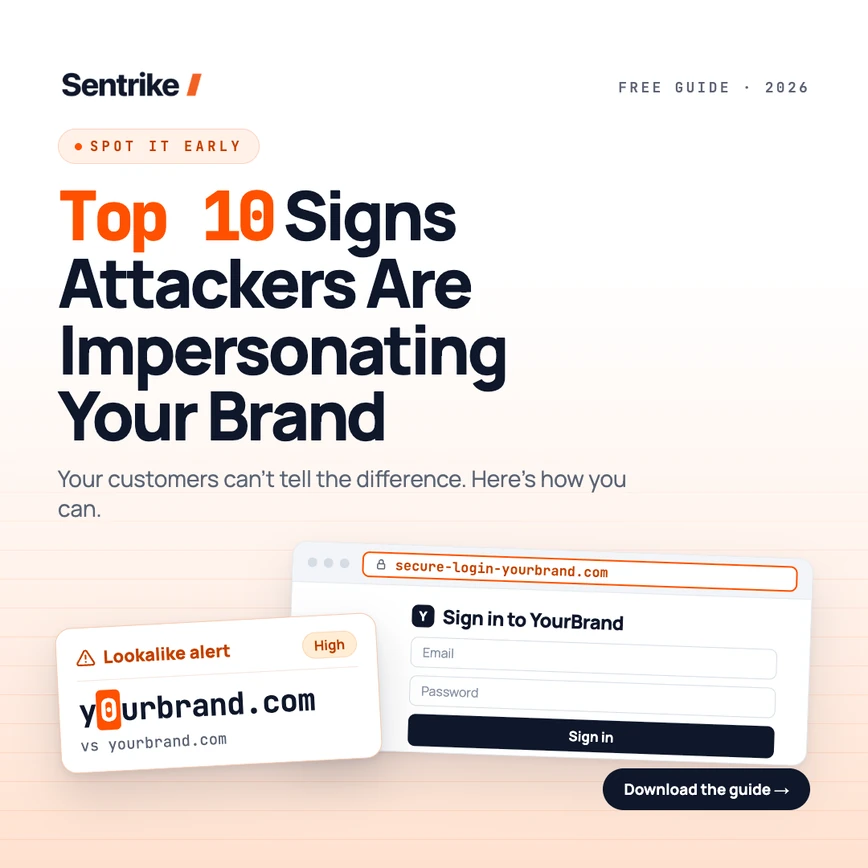
Top 10 Signs Attackers Are Impersonating Your Brand

In short

The clearest signs are lookalike domains near your name, cloned login pages, emails and texts you never sent, fake support accounts, fake payment pages and storefronts, your assets loading on strange domains, fraud spikes without a breach, and reported sites that stay online. Each one comes with a check your team can run.

Download the PDFFree, no form to fill in

What’s inside

  1. 01Lookalike domains near your nameTyposquats, character swaps, add-on words and new extensions.
  2. 02Cloned login pagesPixel-perfect copies, some proxying your site to capture MFA codes.
  3. 03“Your” emails you never sentWhen support tickets about the same link become a campaign.
  4. 04Fake support accounts on socialProfiles that move complaining customers to DMs.
  5. 05Text messages using your nameSmishing lures pointing to login pages.
  6. 06Fake payment and billing pages“Payment failed” lures that harvest card data.
  7. 07Counterfeit storefronts and offersDiscount shops using your product images.
  8. 08Your assets loading on strange domainsHotlinked logos and scripts in your CDN referrers.
  9. 09Fraud spikes without a breachAccount takeovers driven by an outside phishing site.
  10. 10Reported sites that stay onlineWhy time to takedown matters more than time to detection.

Key findings

77%

of leaders surveyed reported an increase in cyber-enabled fraud and phishing

WEF Global Cybersecurity Outlook 2026

43.8%

of social media threats in Q1 2026 were impersonation

APWG, Q1 2026

+40%

growth in smishing from Q1 to Q2 2026

APWG, Q2 2026

Who it’s for

  • Anyone who owns the brand, the login page or the customer inbox
  • Customer support teams who see impersonation first
  • Security and fraud teams deciding what to monitor

Frequently asked questions

What is brand impersonation?
Attackers copying your name, logo, website or people (on domains, pages, social accounts, texts and emails) to trick your customers into handing over credentials, payments or data.
What should I do when I find a fake site?
Capture evidence, report it to Google Safe Browsing so browsers warn visitors, and send abuse reports to its registrar, host and CDN at the same time. The Phishing Takedown Playbook covers each step.
Is the guide free?
Yes. It’s a free 14-page PDF with no form to fill in.

Brand clones in paid search and reviews

A Fake Website Is Using Your Brand: The First 24 Hours

What to do when a fake store copies your brand: get browsers to warn visitors, get it removed, cut off its payments, warn customers and handle the reviews it leaves behind.

Nov 18, 2026 · 3 min read
Impersonation on social media

CEO Impersonation on Social Media: A Protection Guide

How fake executive profiles are used for investment, recruiting and payment scams, where they appear, how to find and report them, and the internal rule that stops most losses.

Nov 19, 2026 · 3 min read

Impersonation on social media

24 Platforms to Watch for Brand Impersonation

The social, video, messaging and community platforms where fake brand accounts appear, including ones where you have no official account, with an audit sheet to check your exposure.

Nov 13, 2026 · 4 min read